
/logo.png

Automating Repository Management in Github and Azure Devops With Powershell

Working in large enterprise environments often means managing a complex landscape of repositories across multiple GitHub organizations and Azure DevOps projects. Keeping these repositories up to date—especially when working with multiple engineering teams—can be a daunting task. That’s where automation comes in.

To simplify this, I’ve developed a consolidated PowerShell script that combines the functionality of my previous scripts into one:

This script helps automate the process of cloning and updating repositories, making it significantly easier to manage a large number of repos efficiently.

Mastering DevOps: Your Guide to Learning, Certification, and Community Engagement

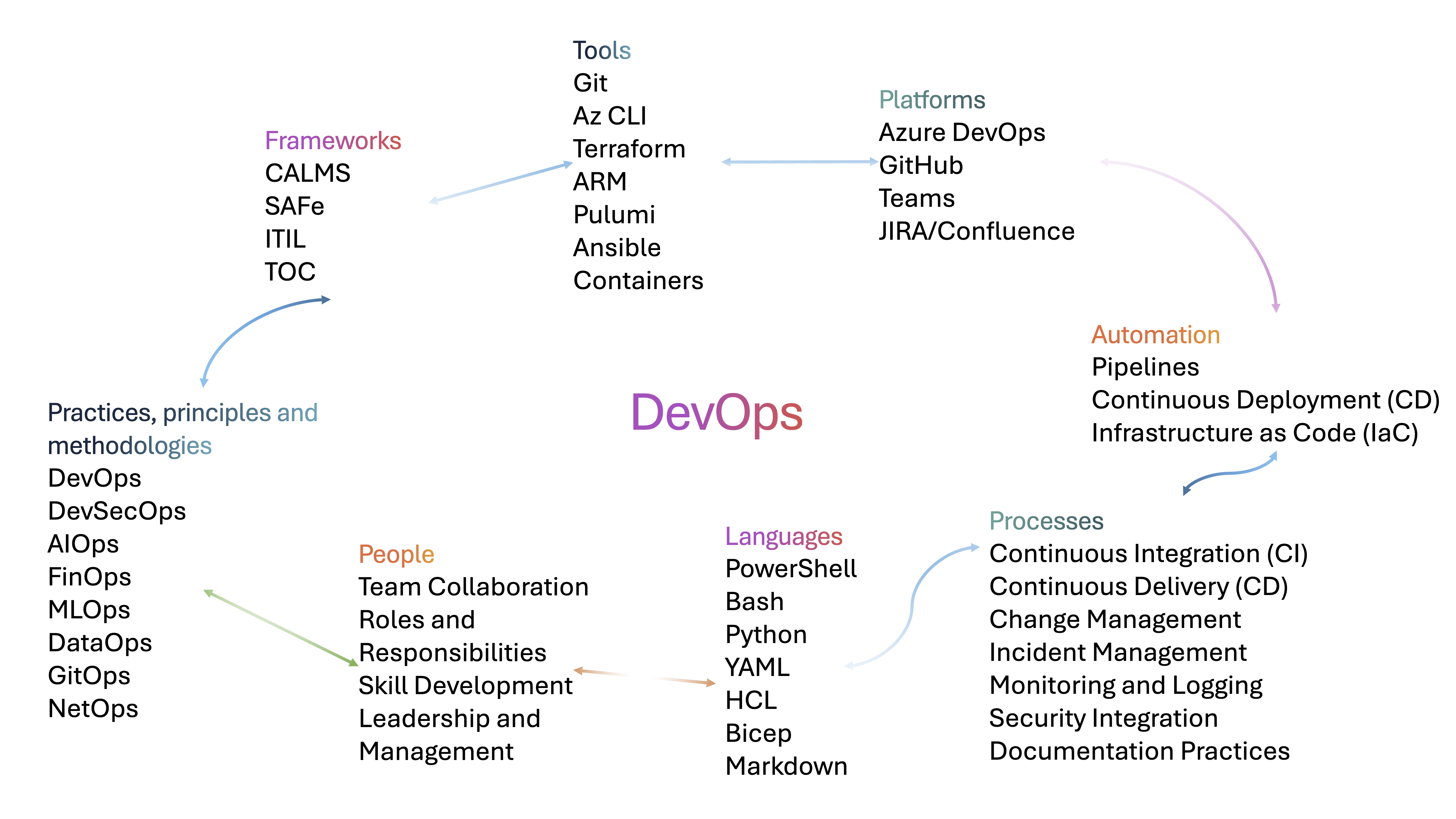
DevOps is not just a set of tools but a cultural shift towards automation, collaboration, and integration between software development and IT operations. Whether you’re new to DevOps or looking to expand your expertise, it’s essential to understand its key principles, tools, platforms, and methodologies. This post serves as a roadmap to help you navigate the journey of studying, learning, and becoming certified in DevOps.

Create your own official Azure Pipelines Agent Images and GitHub Actions Runner Images

Let’s create your own Azure Pipelines Agent Images or GitHub Actions Runner Images based on the official source code used for GitHub-hosted runners used for Actions, as well as for Microsoft-hosted agents used for Azure Pipelines. I prepared both Azure Pipelines and GitHub Workflow examples for you to choose from. It also can create your Virtual Machine Scale Set (VMSS) with the latest VM image to easily use for self-hosted scale-set agents in Azure DevOps.